UPDATE 1.1
2025-08-01What's new: • HUD hiding feature. Now you can take beautiful screenshots or just enjoy beautiful views without any interface elements • Improved optimization • Minor bug fixes
Open on SteamLoading game details, prices and reviews...
Dynamic Games / Oct 6, 2023 / Action, Adventure, Casual, Simulation
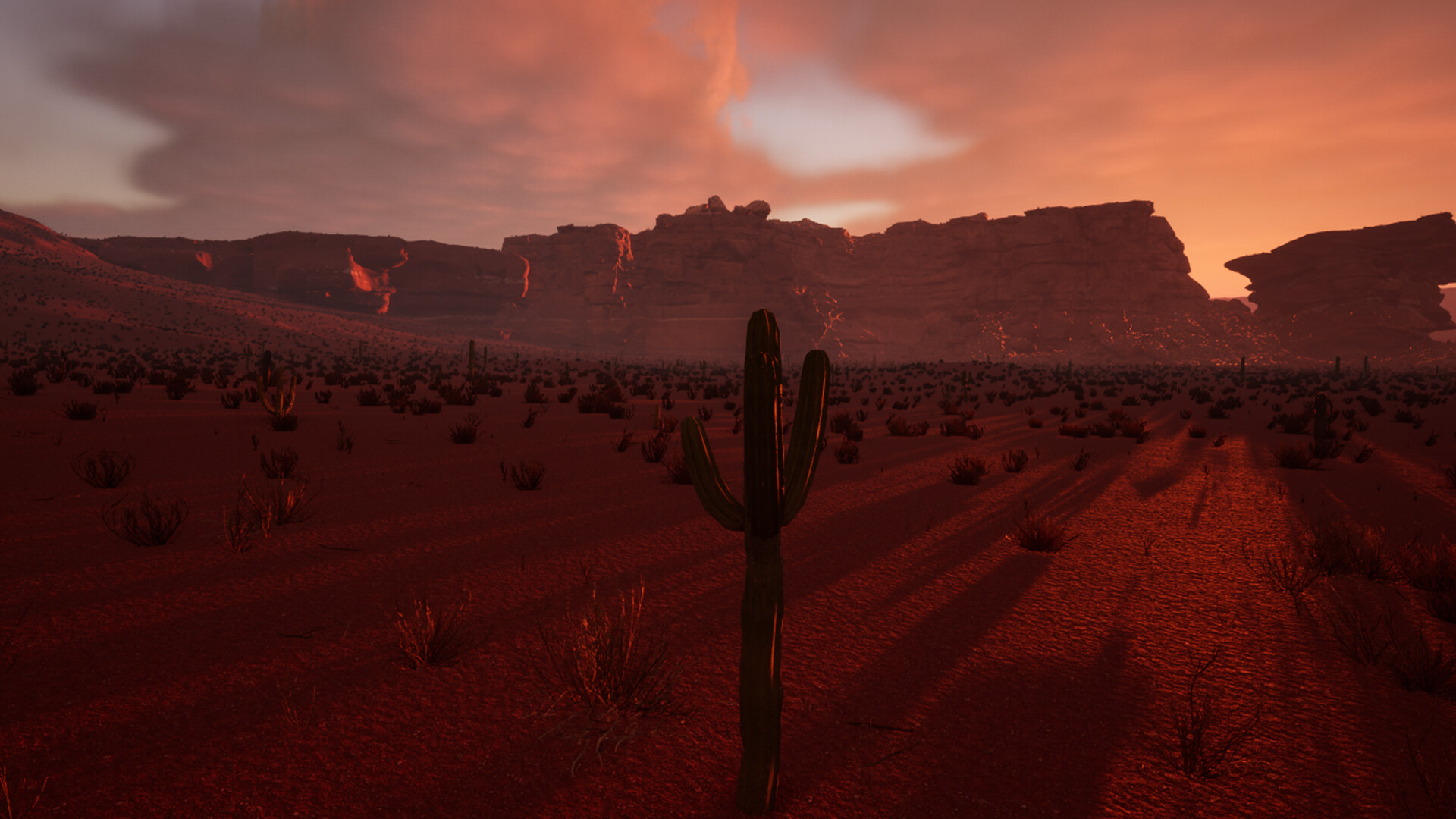
Cactus Simulator 2 is a game in which you can become a cactus.
| Part | Your PC | MinimumNot sure |
|---|---|---|
| CPU | Not set | i3 Can't tell |
| GPU | Not set | GTX 560 Can't tell |
| RAM | Not set | 4 GB RAM Can't tell |
What's new: • HUD hiding feature. Now you can take beautiful screenshots or just enjoy beautiful views without any interface elements • Improved optimization • Minor bug fixes
Open on SteamMixed
57% positive, 14 reviews
---{ Graphics }--- ☑ You forget what reality is ☐ Beautiful ☐ Good ☐ Decent ☐ Bad ☐ Don‘t look too long at it ☐ MS-DOS ---{ Gameplay }--- ☑ Very good ☐ Good ☐ It's just gameplay ☐ Mehh ☐ Watch paint dry instead ☐ Just don't ---{ Audio }--- ☐ Eargasm ☐ Very good ☐ Good ☑ Not too bad ☐ Bad ☐ I'm now deaf ---{ PC Requirements }--- ☐ Check if you can run paint ☐ Potato ☑ Decent ☐ Fast ☐ Rich boi ☐ Ask NASA if they...
20 found this helpful, 2024-03-15
10/10 truly a perfect sequel to an almost perfect game. Cactus simulator 2 gives you eighter a perfect cactus simulation in realistic mode or an easier experience in arcade mode.
7 found this helpful, 2024-03-28
Cactus Simulator 2 is not for everyone. If you're looking for fast-paced action, intricate combat, or complex narratives, this isn’t the game for you. But if you’re in the mood for a peaceful, zen-like experience where the joy comes from simply existing in a beautiful, ever-changing world, then it might be the perfect fit. The game’s strange premise is actually its strength—it’s a meditative journey that...
7 found this helpful, 2024-12-25
Is it very un-optimized or is it mining for bitcoin? I have it on realistic mode, so its a black screen with a score counter. I also use the NVIDIA control panel to turn everything I could to off, low, power saving, etc. Before doing this, it was using 60% of my gpu and a very high amount of power (according to task manager). After doing these things, nothing changed. I even tried setting the priority to low, and...
7 found this helpful, 2025-08-19