Recommended1 hrs played
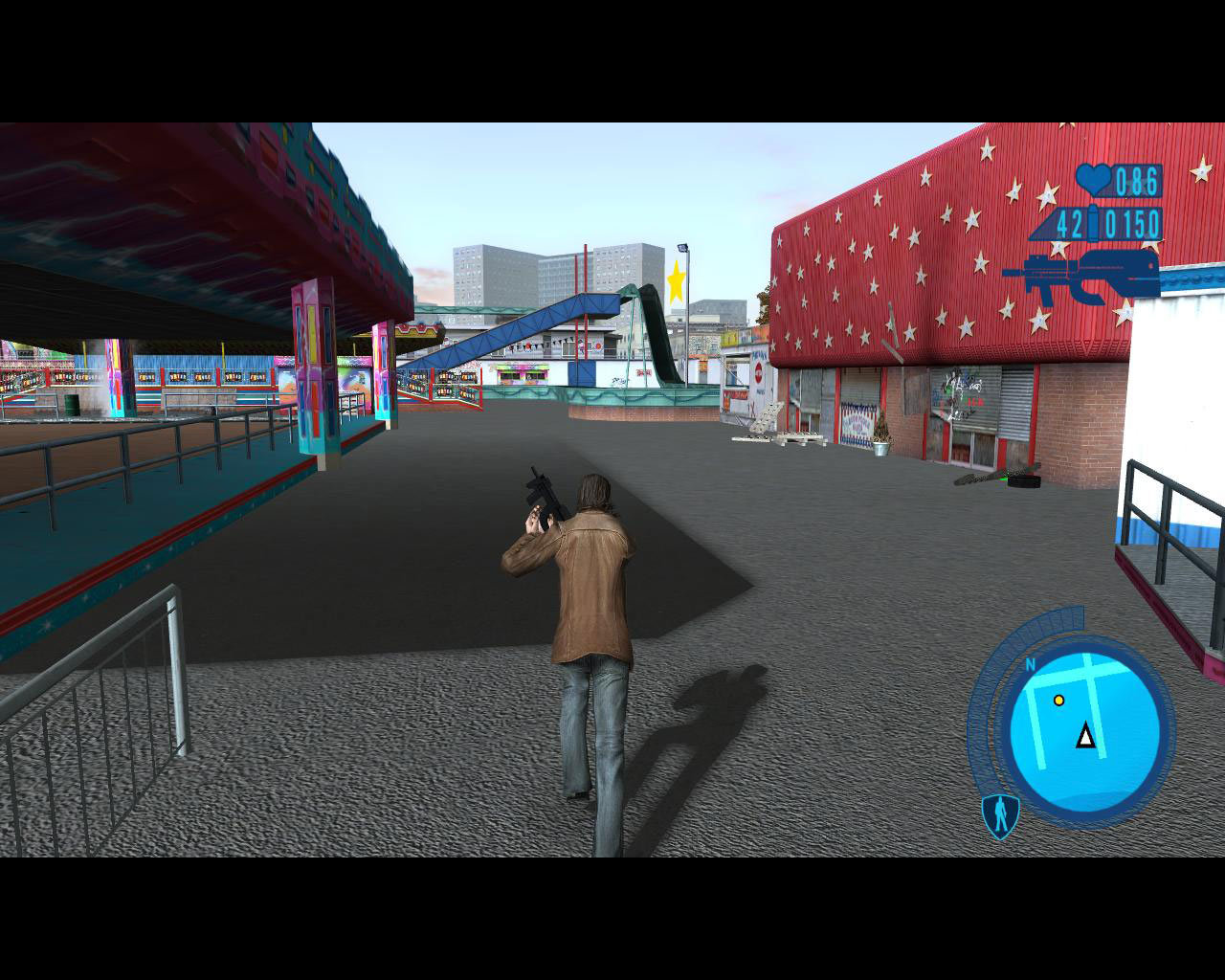
If the game launches shifted to the right on Windows 10/11 and you can't exit or Alt+Tab, here is the fix:
1. Go to the game folder.
2. Right‑click "DriverParallelLines.exe" → Properties.
3. Open the "Compatibility" tab.
4. Enable: "Disable fullscreen optimizations".
5. Apply and start the game.
After this the game runs in proper fullscreen, no screen shifting, and you can exit normally.
26 found this helpful, 2026-03-24
Recommended9 hrs played
This game mostly hits the spot for people who already have some nostalgia tied to it. If you’ve never played it before and you’re not into retro gaming, then honestly, it’s probably not the best place to start - it just won’t hit the same.
To be fair, the game does have its charm. The vibe of New York in 1978 is done really well: the music, the visuals, the whole atmosphere — it really pulls you into that late-70s...
13 found this helpful, 2025-12-03
Recommended13 hrs played
Still a Hidden Gem from the Sixth Gen Era
I played Driver: Parallel Lines back in the PS2 days, and I remember it feeling tough—maybe it was the scanlines on my old CRT TV, the clunky PS2 controller, or just me being a clueless kid. Fast forward to today: I fired it up with a few quality-of-life mods and tweaks, and ended up beating the campaign in just two sittings. I didn’t even realize I’d finished it—it felt...
16 found this helpful, 2025-10-13